


Apple’s HomePod and HomePod mini are incredible additions to your smart home. Here’s how I’ve made use of Apple’s smart speaker after abandoning Sonos and other speakers.
We’re approaching two months in our new home, and I’m finally feeling like we’ve settled in nicely. If you missed my first installment on this Owning an Apple Home series, check it out to see how I approached the move and setup process.
While I’m working on stories involving pet care, smart kitchens, MagSafe mounts, and more, I’d like to examine what it is to be all-in on HomePods. That’s right, I don’t have any third-party speaker or other AirPlay solution in my home.
In May 2023, I sold my whole home Sonos system and went all-in on HomePod. I’d like to pretend I saw the troubles Sonos had coming ahead of time, but the reality is I wanted to simplify my Apple Home.
Apple had just brought back the large-sized HomePod in January 2023, and I decided I no longer wanted to use a third-party app to manage my music. I wanted the integration of AirPlay 2, Siri, and my Apple products without any effort or need for other tools.
I can happily say that I don’t regret the decision. Here’s how having a house full of HomePods has been and how I’ve integrated them in the new place.
HomePod setup and layout
In total, my home has two second-generation HomePods in a stereo pair, four first-generation HomePods in two stereo pairs, and five HomePod minis placed singularly in various rooms. Don’t be too aghast at this number, as they’ve been accumulated slowly over a decade.
How I decide to purchase HomePods is very similar to my thought process behind other Apple or smart home purchases. First, if a new model comes out that will prove useful, I upgrade the primary units and rotate the old ones down.
The current flagship HomePods in my home are the ones in the den hooked in a stereo pair to the latest Apple TV 4K. That’s my OLED TV setup with the PlayStation 5 Pro and Nintendo Switch 2, so I want it to be the best possible equipment there.
When Apple inevitably upgrades these speakers, the den is where the new gen-3 stereo pair will go.
Two large HomePods are in a stereo pair and used with the Living Room Apple TV 4K, while the remaining two are my office HomePods. The first-generation models are still going fine, as it seems I escaped whatever hardware issue led to bricking some.
There’s a HomePod mini in each bedroom, one in the full bathroom, one in the kitchen, and one in the workshop in the garage. Once a second-generation HomePod mini arrives, I’m sure we’ll have a few new ones floating around while older ones are paired up too.
Let’s get into how these speakers are used.
Music, TV, & more
Apple’s HomePods are in a funny place when compared to the competition. There are better-sounding speakers, lower-priced ones, and frankly, ones with better smart assistants.
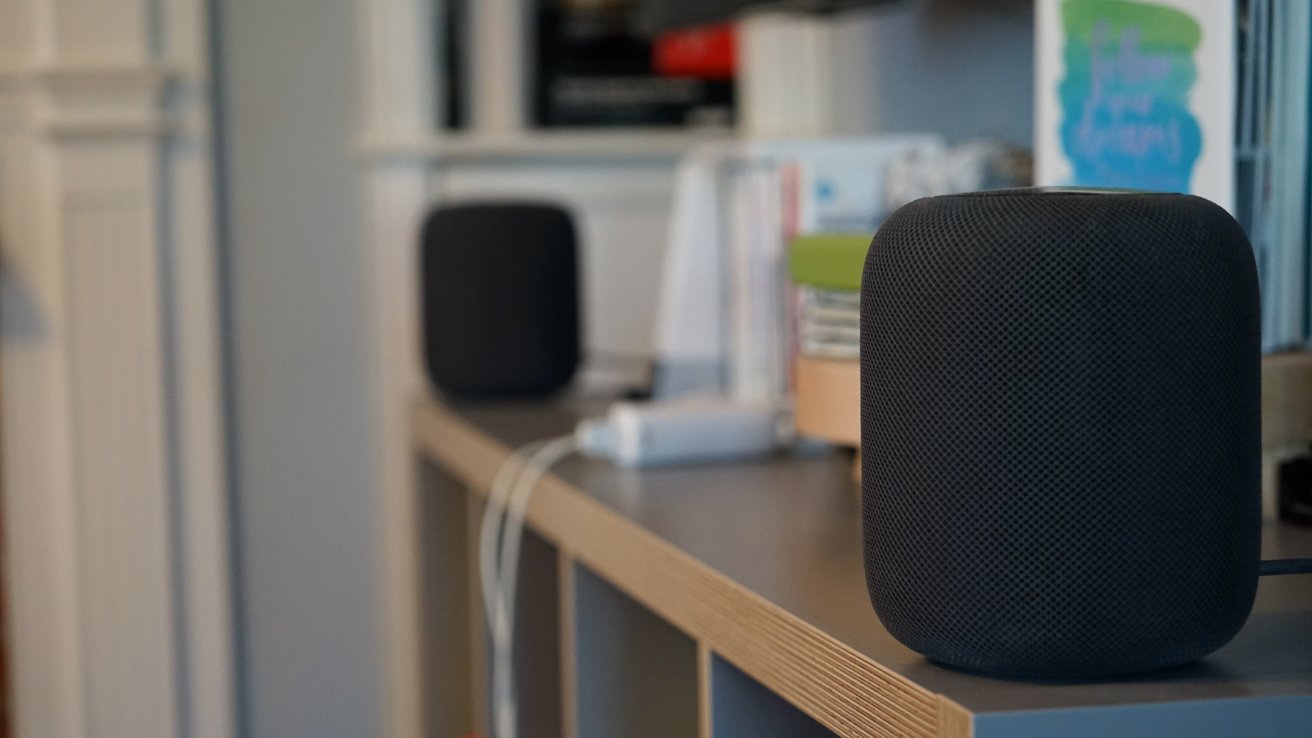
HomePods are great for music and TV
However, the HomePod and HomePod mini aren’t great because of some singular feature, but a sum of their parts. They are the most private smart speakers and integrate directly with Apple Home.
Combine that with great sound and whole-home audio, and you’ve got a fairly great pair of speakers. I understand that they aren’t for everyone, but I’ve found that relying on a single system has been an improvement.
First, the two sets that are used as TV speakers are actually quite amazing. When I had the Sonos system in place, I was able to compare the two.
My main home entertainment system at the time consisted of a Sonos Playbar, two satellite Sonos Play 1s, and a Sonos Sub. They added up to a fairly solid 5.1 channel system pre-Dolby Atmos.
From my tests, the only thing the HomePods couldn’t compete with is bass. There’s no beating a dedicated subwoofer, especially one of that size.
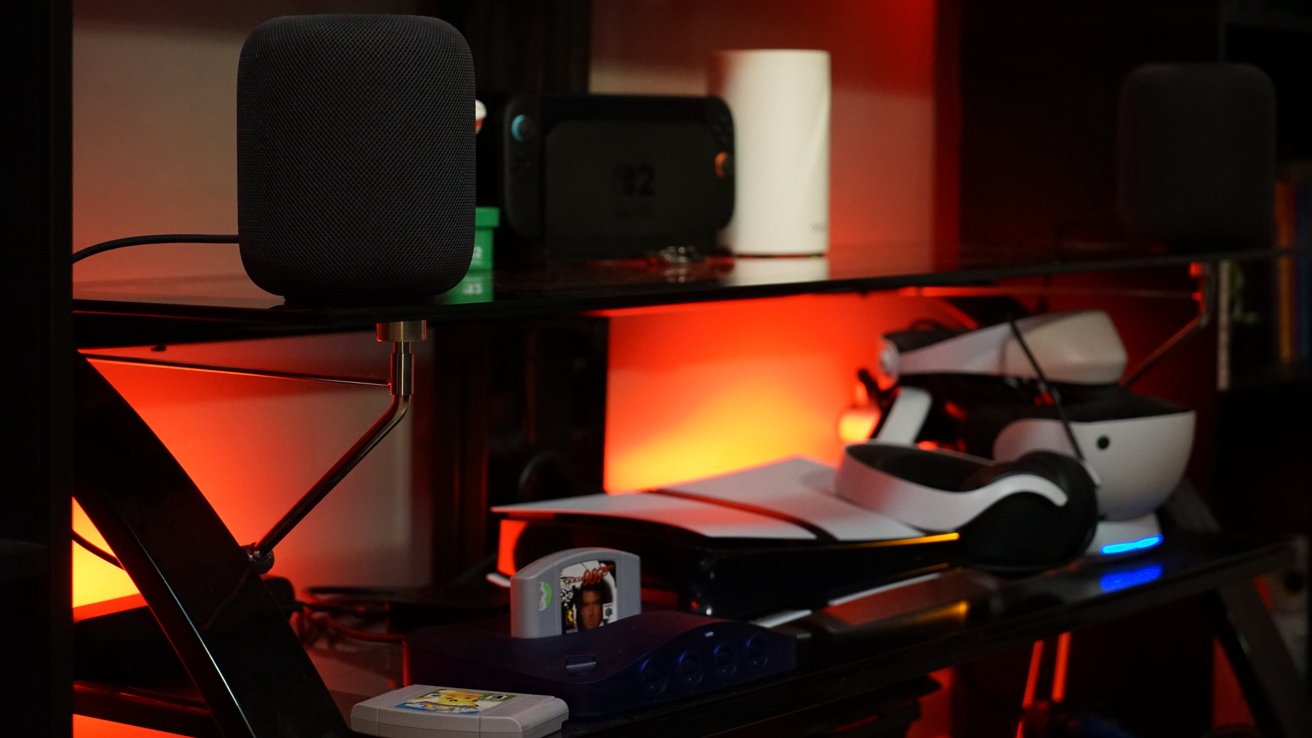
Gen-2 HomePods run the main home theater system
That said, I was impressed, and within days of swapping out the systems, I no longer noticed. Since I was using the Apple TV through the eARC connection, the HomePods could also play audio from game consoles.
I’m aware that some gamers might be concerned about lag, but I never noticed any. The only place that it could actually impact gameplay is with rhythm games, but those usually let users adjust lag manually.
In the years I’ve spent playing various games from the slow and steady Pokemon to the twitchy Returnal, audio was never an issue.
Then there’s the HomePod as a music speaker. When cleaning, my wife and I like playing songs throughout the home.
Or, when we’re having a large group of friends over that results in everyone spreading out a bit, the party never stops just because you’re in a different room. The living room might be the center of the party, but you can still hear what’s being played in the kitchen, den, bathroom, or even outside on the porch.
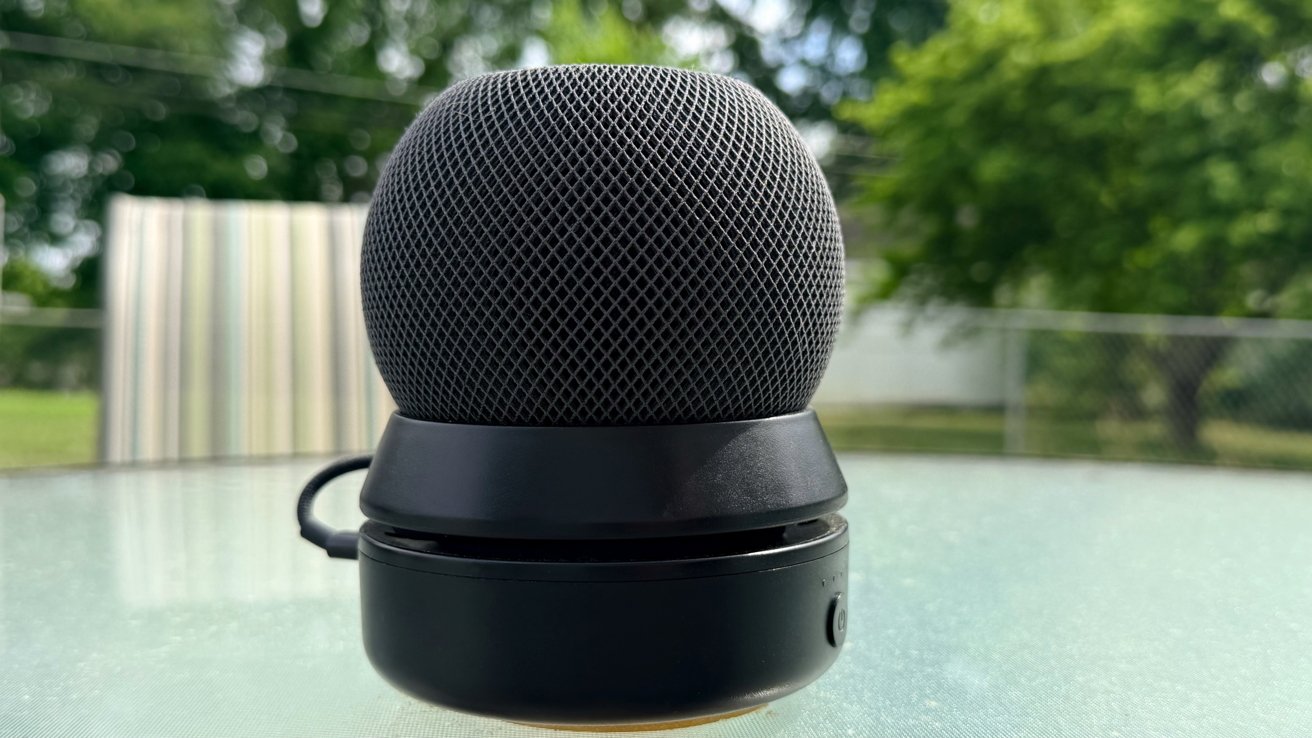
Turn HomePod mini portable with a simple USB-C battery
The HomePod mini in the garage is attached to a battery pack that lets us carry it anywhere. It means cookouts get to benefit from the whole-home audio setup.
When everything is playing in sync at the right volumes, it is easy to wonder from room to room and feel like you’re surrounded by music. Also, you don’t have to have it too loud to have the music still at a listenable volume while also carrying on conversation.
If you’ve never experienced whole-home audio, it’s quite the treat.
Finally, one other major use of the HomePods in our home is individual. I love putting my podcasts on while I shower, while my wife likes listening to thunderstorms while she sleeps.
Sometimes, I like to join my HomePod mini with hers so I can have the same rain sounds in my room as well.
None of this is quite so easy when dealing with different device ecosystems, even when AirPlay is involved. I grew increasingly frustrated with Sonos and trying to tie it to HomePods or other devices.
Now, it all just works.
HomePods aren’t just for listening to music or TV audio. They’re quite the little utility as a part of an Apple Home.
Alerts, chimes, and Intercom all on HomePod
Sure, the gen-2 HomePod and HomePod mini work as Thread border routers, but that’s only the tip of the iceberg. Apple has worked to include them in various features for communication and security.
First, there’s a utility I believe very few people actually use called Intercom. It’s something we’ve tried to embrace more in the new home, and it’s proven interesting.
If you pick up any of your devices or speak to a HomePod, you can say “Intercom everywhere, dinner is ready” and it will go out to every device. The HomePods play your voice out loud instead of Siri reading it back.
Sending an Intercom to a single room or person is also possible. My wife could send me a message hands-free via Intercom directly to my office.
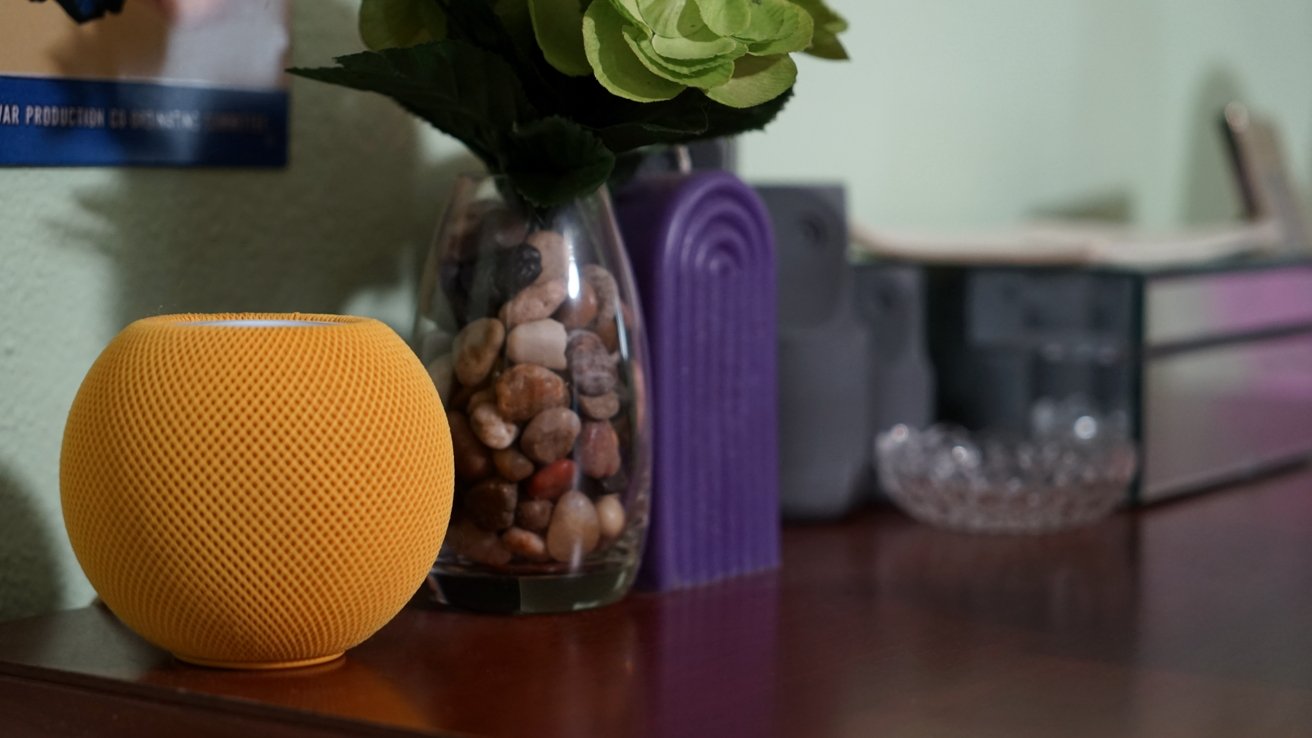
Intercom lets users communicate via HomePods
One of my favorite features is the use of HomePods as doorbell chimes. Instead of relying on a single loud physical chime, every HomePod in the house plays a sound.
Since I’ve done the work to name faces in my Photos app via my Contacts database, the chime is followed by Siri stating who just rang the doorbell.
This might seem like a rather mundane feature, but it means we get a chime even if we’re in the garage. Or, if I’m working in the office with music playing, the music is paused to play the chime.
Apple has another excellent feature for HomePods that I don’t believe is discussed enough. If a fire alarm goes off in your home, the HomePod will send an alert to your iPhone.
It’s simple, but can be incredibly useful in case of an emergency. Some security products sell devices that listen for such alarms, and this function is built into the HomePod.
HomePod & Siri
The entire purpose of the original HomePod was to give Siri a home base. It was the user’s connection to the smart assistant that usually dwelled in their iPhone.
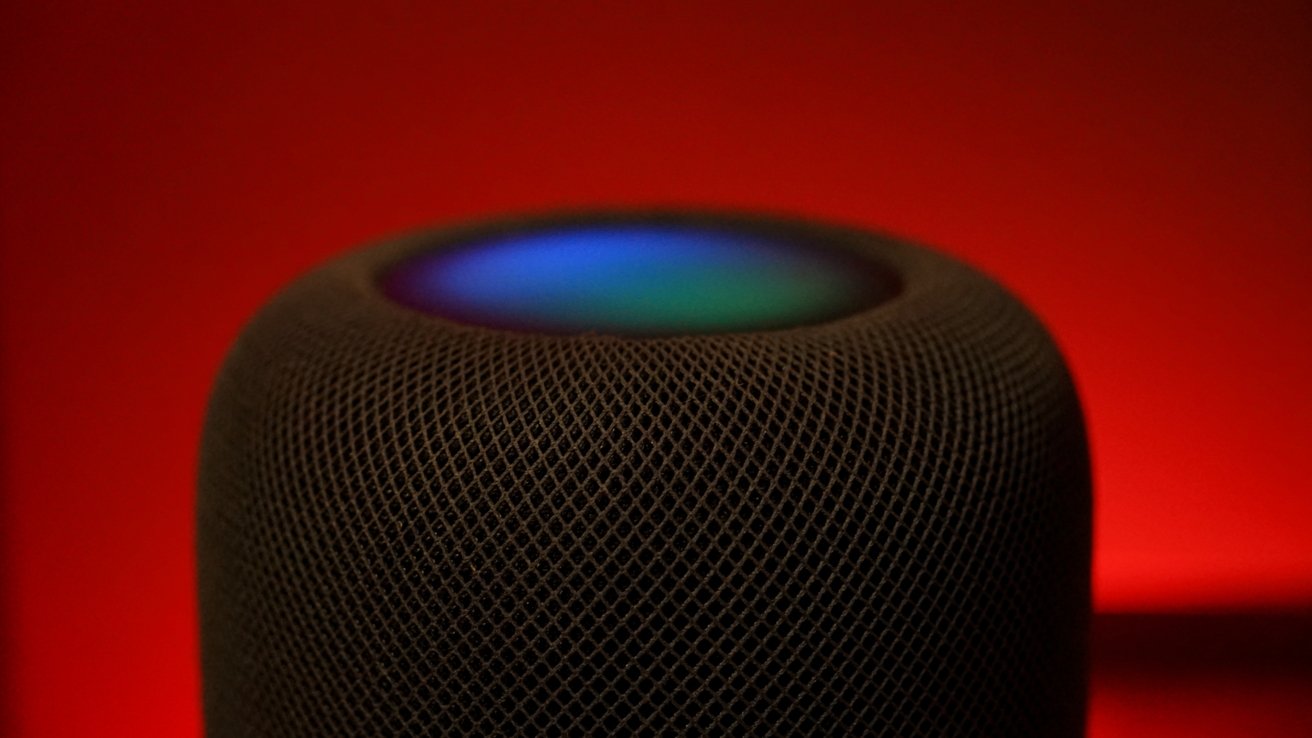
Summon Siri for easy music and home controls
The world has mostly moved on from these traditional assistants, and Apple soon will too. While many see the current ML version as lacking, I’m still quite happy with how I’m using it.
I use Siri often and I’ve often described myself as a Siri unicorn. The commands I use rarely run into issues and I’m quite happy with Siri controlling my music, smart home, and various other functions.
In case you were wondering, the Siri voting system really does work well when you’ve got a home full of Apple products. If you just say “Siri, turn on the lights,” every device that heard you, including your iPhone or iPad, will work to decide which one you were speaking to and perform the action.
Room-specific actions work great. “Turn the lights off” instead of “Turn the living room lights off” is totally fine as long as you’re speaking to the Living Room HomePods.
General inquiries are rarer for my use, but I still occasionally ask about the weather or create a reminder. I like that it is an option.
There’s no way of knowing what’s coming next with Siri now that AI will be involved. But as long as I can still reliably control my home and my music, I’m happy.
Limitations with HomePods
I’ve already covered how Siri isn’t quite up to par with other modern systems, but I do believe that is changing soon. In the meantime, there are some other areas I’d like to see improved.
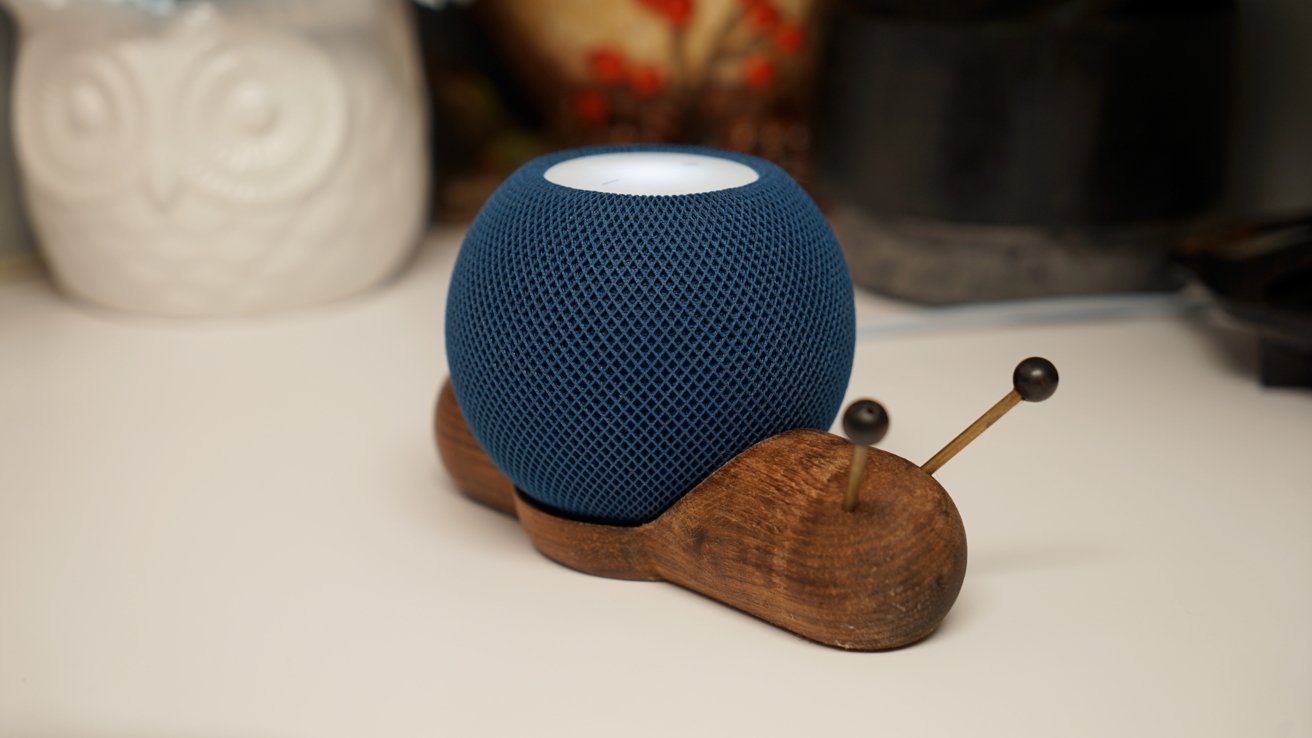
Siri development continues at a snail’s pace
First, this is only tangentially related to HomePods, but Apple needs to figure out how to manage Listening History better. I only want my HomePods to keep track of what I listen to when I’m AirPlaying or specifically asking for music during work.
What I don’t want is sleep sounds, ambient music, or other such audio to be present in my music history. I’d love to have some classical or video game music playing in the kitchen as part of an automation, but I don’t want it dominating my recommendations.
Sure, I can turn off the HomePod’s ability to contribute to my algorithm altogether, but that shouldn’t be my only option. If I want Animal Crossing music to come out of my speaker at 1 p.m., I shouldn’t have to switch off the algorithm manually.
I’d also like to see Apple enhance what HomePods can do when acting as a home theater system. Of course, while a HomePod soundbar that’s also an Apple TV would be great, I’d simply settle for more speakers in a setup.
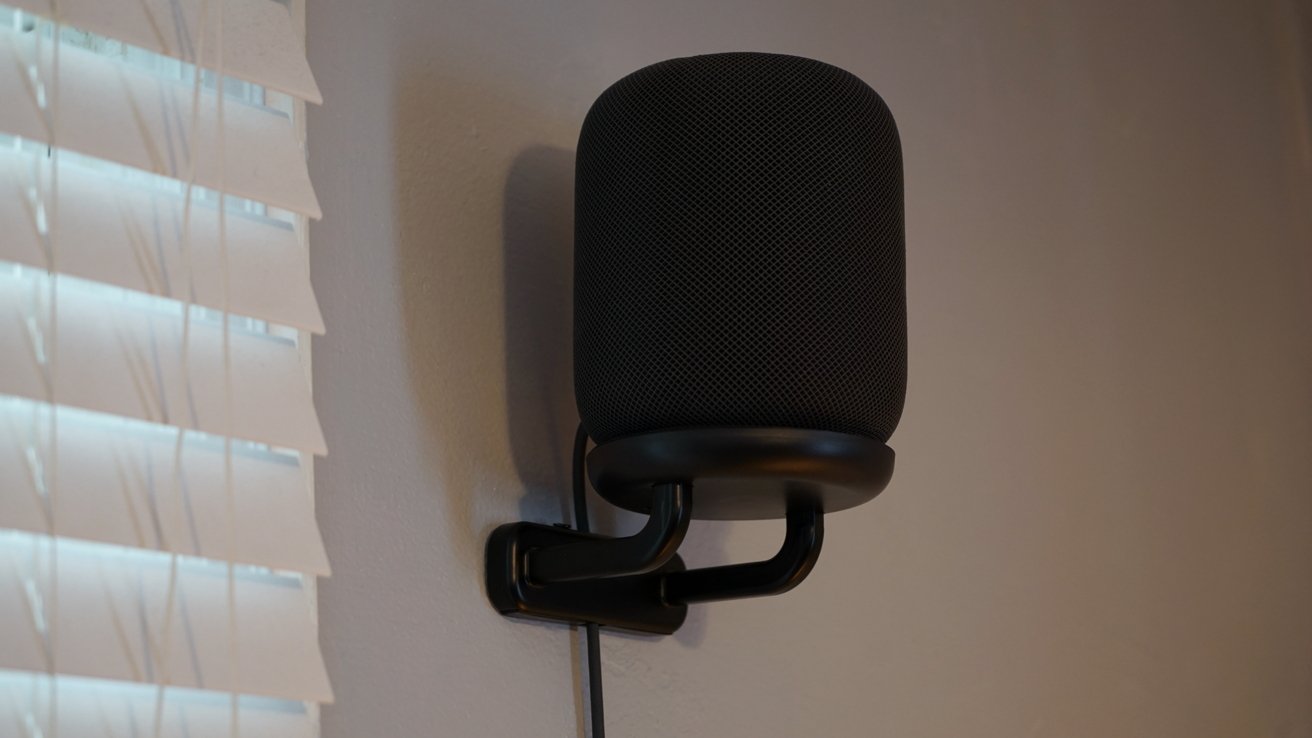
Apple should make it possible to pair four HomePods for Dolby Atmos home theater audio
Instead of just two HomePods in a stereo pair, I should be able to have two in the front and two in the sides or back for even better surround.
Such a system could even work with Dolby Atmos. I think it makes total sense for Apple to implement such a feature, as it would mean selling four HomePods instead of just two for a single setup.
I’m not sure much will actually change with HomePods soon, even with a new generation. The rumored Home Hub could add an interesting aspect to Apple Home, but more on that another day.
Yes, that HomePod mini snail is available online in some places. Here’s one for $47.
This story originally appeared on Appleinsider

