


Fairly quickly, Claude will create the brief and display it in a right pane so you can scroll through it. To download it, click the Download and open button in the left pane. Follow the instructions outlined in the Gemini section above for how to point Copilot to it.
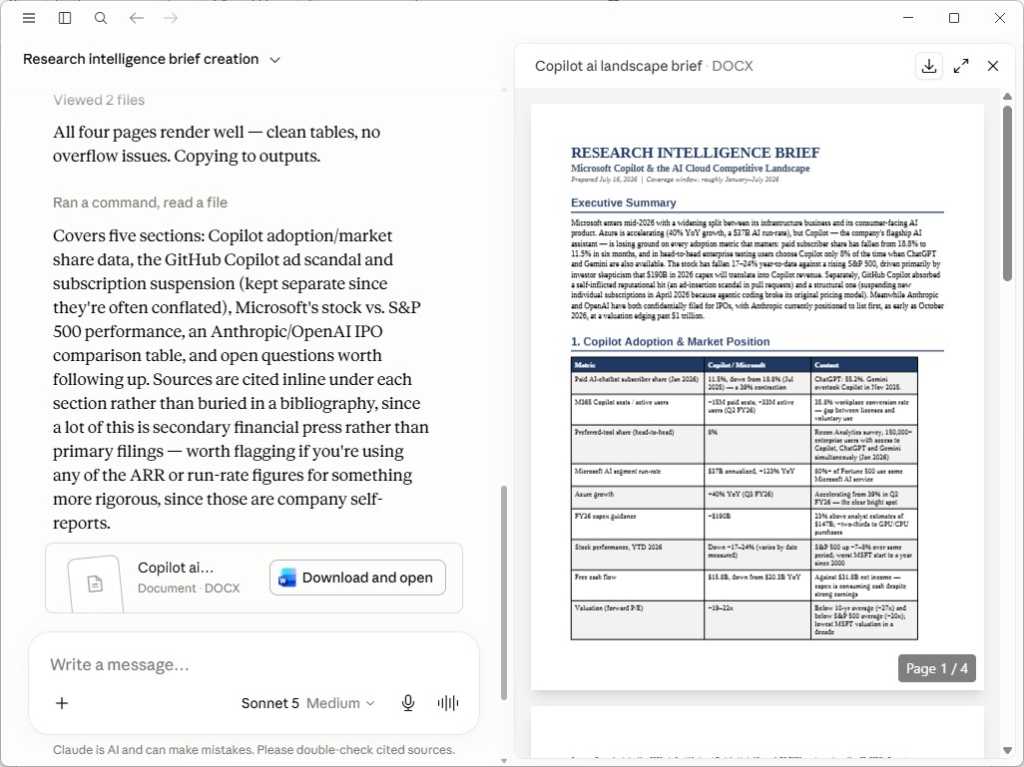
Creating a research brief in Claude for use in Copilot.
Preston Gralla / Foundry
6. Use Copilot’s Researcher agent
Copilot’s most powerful research tool is Researcher, an AI agent designed for complex, multi-step research tasks. Researcher looks through your work data, including emails, Teams chats, files, meetings, and more, and also goes out on the internet to find what it can. When it’s done researching, it compiles a structured report based on what it finds.
But there’s a catch: Researcher is only available to individuals with a Microsoft 365 Premium license and business users with either an add-on M365 Copilot license or a top-end M365 E7 license, which includes M365 Copilot.
In a business environment, your administrator must enable Researcher for you to use it. If enabled, you access it in the M365 Copilot app. (You can get to the same place by selecting the Microsoft 365 Copilot app from the waffle menu in the top-left of a Microsoft 365 web app.)
In the M365 Copilot app, select Agents in the left sidebar, then select Researcher from the list of agents. The Researcher agent takes over the Copilot screen.
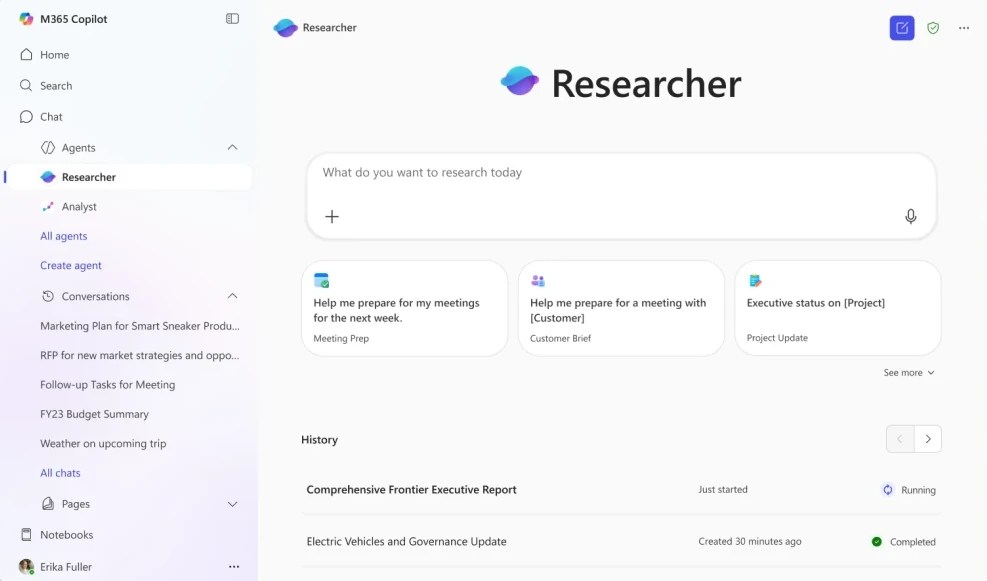
The Researcher agent in Copilot handles complex, multi-step research tasks.
Microsoft
Type in the prompt box what you want done. Researcher is best for complex or multi-part tasks. So you might ask something like:
Describe the competitive landscape for our new line of home office products that will be launched in the first quarter of next year.
The agent may ask you a few follow-up questions to clarify your request, then it gets to work. It may take some time to complete what you’ve asked it to do, from as little as five minutes up to 45 minutes for very complicated research.
A few things you should know before using Researcher: Unlike a standard Copilot prompt, it can’t use images and photographs as input. It also can’t take any actions for you, such as drafting and sending an email — it only creates research reports. Finally, you can only use Researcher up to 25 times in a given month.
See Microsoft’s Researcher documentation for more information about how to use the agent.
This story originally appeared on Computerworld

