


All it takes, though, is a click on the notification bell icon in the upper-right corner of the Googlebook interface, then a click on the clock icon in the lower-left corner of the pop-up that appears. From there, you’ll click “Notification history” and flip the toggle at the top of the next screen into the on and active position.
Give things a moment to start collecting, and you should then be able to click on that same icon to get to a full history of notifications (both from the Googlebook itself and ones synced over from your phone) that you’ve missed or dismissed.
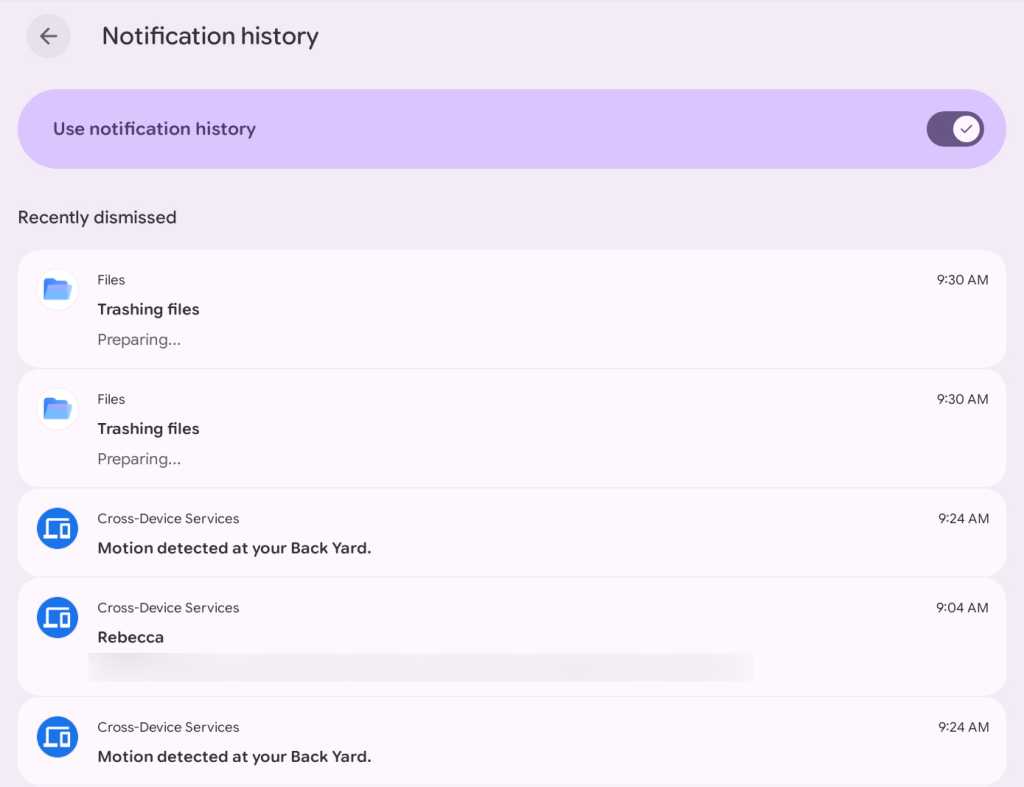
JR Raphael, Foundry
The Googlebook is very much still a work in progress, but features like these make me at least cautiously hopeful for its future and the kind of experience it could one day provide — if, of course, Google manages to actually stick the landing and avoid its all-too-common patterns of pivoting, giving up, and failing to follow through when things don’t take off immediately out of the gate.
This story originally appeared on Computerworld

